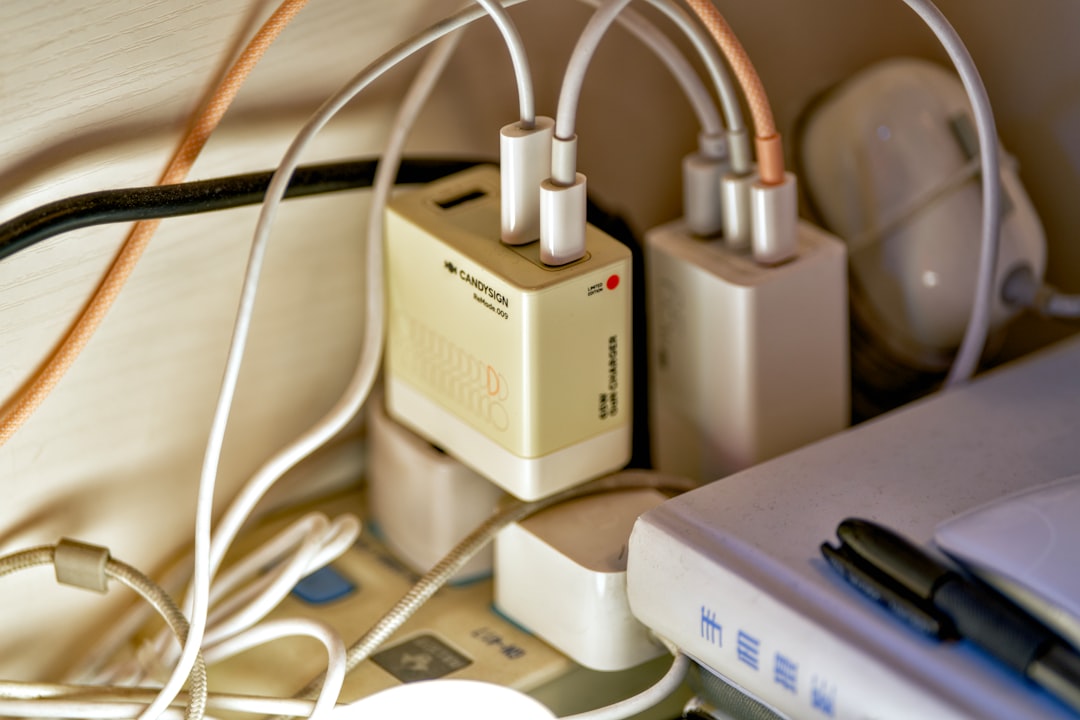
Flickering Lights: How to Diagnose and Fix This Common Electrical Problem
Is your home plagued by annoying flickering lights? Learn the root causes behind this electrical issue and discover safe DIY troubleshooting methods to restore steady illumination.
Super Admin
Author

Why Your Lights Keep Flickering: Understanding the Problem
Few things are more frustrating than dealing with flickering lights in your home. Whether it's a single bulb that flickers intermittently or multiple lights throughout your house that dim and brighten unpredictably, this electrical issue can be both annoying and concerning. The good news is that many flickering light problems have simple solutions that homeowners can address safely.
Flickering lights occur when the electrical current flowing to your fixtures becomes unstable or interrupted. This instability can stem from various sources, ranging from loose connections to overloaded circuits. Understanding these causes is the first step toward resolving the issue effectively.
Common Causes of Flickering Lights
Loose Light Bulbs
The simplest and most common cause of flickering lights is a loose bulb in its socket. When a bulb isn't screwed in tightly, it creates an inconsistent electrical connection that results in flickering. This issue typically affects just one light fixture at a time.
Faulty Light Switches
Old or worn-out light switches can develop internal connection problems that cause lights to flicker. Dimmer switches are particularly prone to this issue, especially when they're not compatible with LED or CFL bulbs.
Overloaded Circuits
When too many electrical devices are connected to a single circuit, the electrical load can cause voltage fluctuations that manifest as flickering lights. This is especially common when high-power appliances like space heaters or hair dryers are turned on.
Loose Wiring Connections
Loose connections in electrical panels, junction boxes, or outlet boxes can create intermittent contact that causes lights to flicker. This is a more serious issue that requires careful attention to safety protocols.
Step-by-Step Troubleshooting Guide
Step 1: Check the Bulb
Start with the simplest solution first. Turn off the light switch and allow the bulb to cool completely. Carefully remove the bulb and inspect it for any visible damage or loose connections. Reinstall the bulb, ensuring it's screwed in firmly but not over-tightened.
If you're using LED or CFL bulbs with a dimmer switch, verify that your dimmer is compatible with these bulb types. Incompatible combinations often cause flickering issues.
Step 2: Test the Light Switch
Toggle the switch several times to see if the flickering pattern changes. If the flickering stops or becomes more consistent when you manipulate the switch, the switch mechanism may be failing and need replacement.
For dimmer switches, try adjusting the dimming level to see if the flickering occurs at specific brightness settings. This can indicate compatibility issues or internal switch problems.
Step 3: Monitor Circuit Load
Pay attention to when the flickering occurs. If lights flicker when you turn on major appliances like the dishwasher, microwave, or air conditioning unit, you likely have an overloaded circuit.
- Identify which appliances share the same circuit as your flickering lights
- Try redistributing electrical loads to different outlets
- Avoid using multiple high-power devices simultaneously on the same circuit
Step 4: Inspect Visible Connections
With the power turned off at the breaker, carefully examine any accessible electrical connections. Look for loose wire nuts, corroded connections, or signs of overheating such as discolored wires or melted insulation.
Safety Warning: Only inspect connections that are easily accessible and clearly visible. Never remove electrical panels or work inside junction boxes unless you're a qualified electrician.
When to Call a Professional Electrician
While many flickering light issues can be resolved through basic troubleshooting, certain situations require professional electrical expertise:
- Multiple circuits affected: If lights throughout your home are flickering simultaneously, this could indicate problems with your main electrical panel or service entrance.
- Flickering accompanied by burning smells: Any electrical odor suggests overheating and potential fire hazards that require immediate professional attention.
- Frequent circuit breaker tripping: If your breakers trip repeatedly along with flickering lights, you may have serious wiring issues.
- Flickering persists after basic troubleshooting: When simple solutions don't resolve the problem, deeper electrical issues may be present.
Prevention and Long-Term Solutions
Regular Maintenance
Prevent flickering light problems by performing regular electrical maintenance. Check bulbs periodically to ensure they're properly seated, and replace aging light switches before they fail completely.
Electrical System Upgrades
For homes with chronic flickering issues, consider upgrading your electrical system. Adding dedicated circuits for high-power appliances or upgrading your electrical panel can eliminate many voltage fluctuation problems.
Quality Components
Invest in high-quality bulbs, switches, and electrical components. While they may cost more initially, quality electrical products last longer and provide more reliable performance.
Conclusion: Restoring Steady Illumination
Flickering lights don't have to be a permanent annoyance in your home. By following this systematic troubleshooting approach, you can identify and resolve many common causes of light flickering safely and effectively. Remember that electrical safety should always be your top priority – when in doubt, consult with a professional electrician.
Regular maintenance and attention to your home's electrical system will help prevent flickering light issues and ensure your family's safety. With the right knowledge and careful attention to detail, you can keep your home's lighting system functioning smoothly for years to come.
Written by
Super Admin
Author at DynamoGenAi
Related Articles
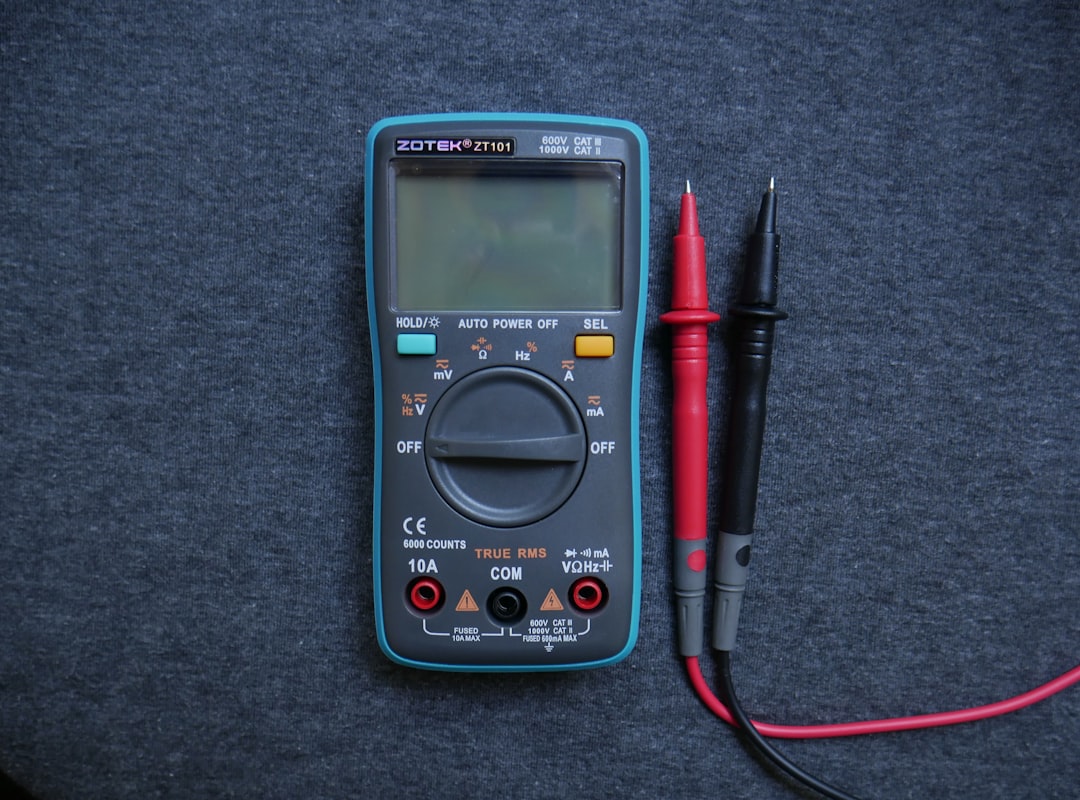
Home Electrical Testing Methods: Using Multimeters and Voltage Testers for Accurate Diagnostics
DIY & Maintenance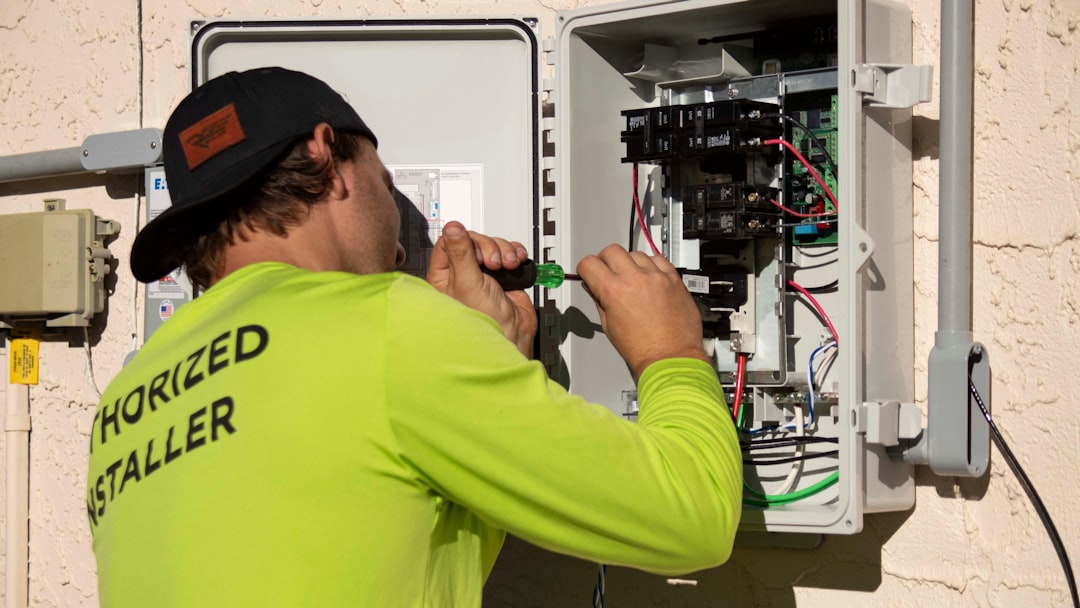
Home Electrical Troubleshooting: Understanding Your Circuit Map and Electrical Panel Layout
DIY & Maintenance
Electrical Troubleshooting by Room: A Complete Home-by-Home Diagnostic Guide
DIY & Maintenance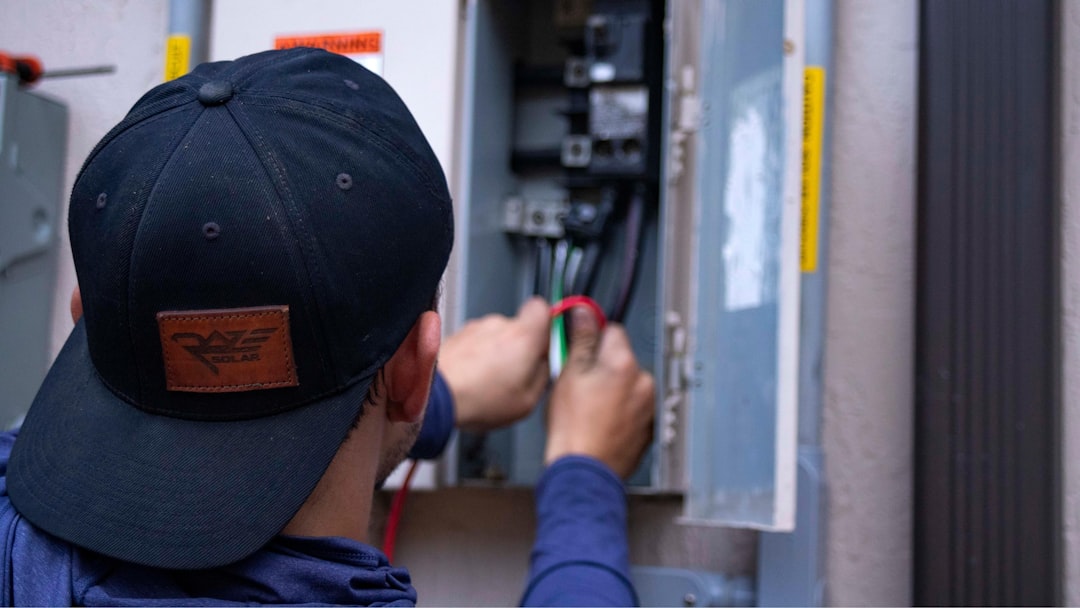
Electrical Troubleshooting Safety Protocols: How to Avoid Dangerous Mistakes During DIY Repairs
DIY & Maintenance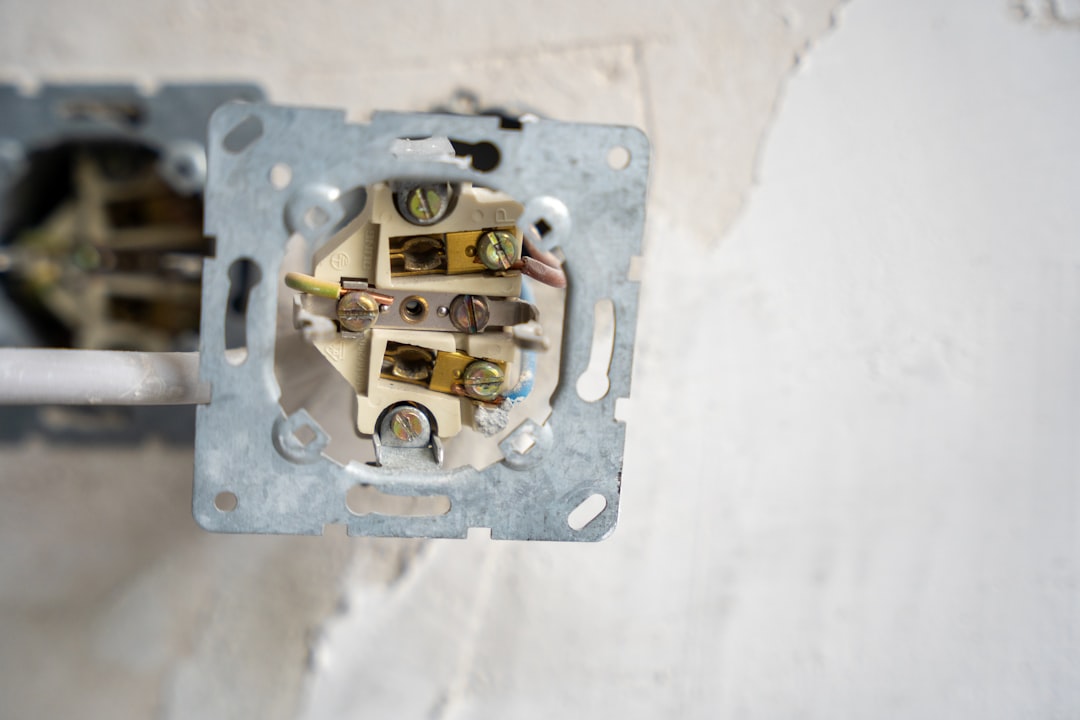
Intermittent Electrical Problems: How to Track Down Elusive Wiring Issues That Come and Go
DIY & Maintenance